Meters Defaults Screen
Below is a list of descriptions for the fields in the default meters system options.
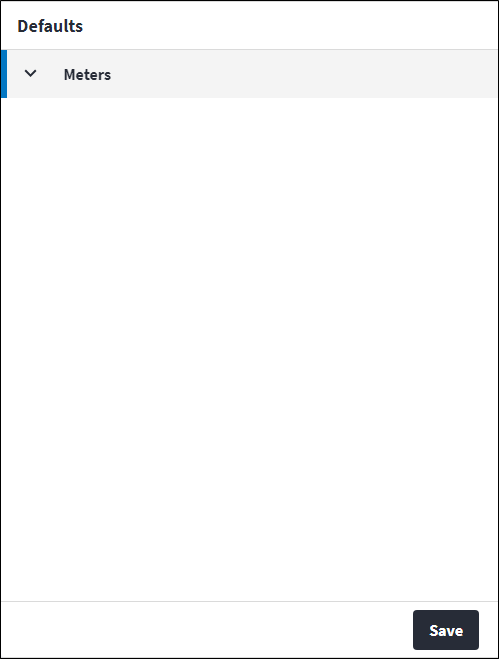
Defaults
The Defaults tab contains the following section(s):Meters
- Align Asset Tasks After Meter Reset: Specify whether the readings on linked tasks should be updated when a meter is manually reset.
If set to true, full meter reset logic will be triggered, which includes: - offsetting the Last Scheduled Meter Reading and Last Done Meter Reading values of linked asset tasks,
- recalculating predicted meter readings,
- running new due tasks,
- applying validation for negative readings.
- Validate Average Daily Rate Variance: If this system option is enabled, a warning is displayed for the user to opt in or out of when capturing a new meter reading that causes the ADR to change by more than the percentage specified in Average Daily Rate Allowed Variance. Defaults to true.
This validation is only enforced on meters with the following selections made on the meter record:- Validate Readings is set to true
- Validate Average Daily Rate Variance is set to
System Option.
- Average Daily Rate Variance Percentage: If Validate Average Daily Rate Variance is set to true and the capturing of a meter reading causes the ADR to vary by more than the specified maximum allowed variance, a warning message will be displayed for the user to opt in or out of. The Average Daily Rate Variance Percentage defaults to 10%. If it is set to 0%, Validate Average Daily Rate Variance will change to false.
Assist custom actions
The following custom actions are available in the Assist panel in the sidebar. Keep in mind that some of these custom actions are only available from the edit screen, while others are available from both the dashboard and edit screen.- View Changelog: Refer to View Changelog.
- View System Options Changelog: Refer to View System Options Changelog.