Permission Tree Screen
Data is captured on the following tab(s) of the edit screen: Overview. Below is a list of descriptions for the fields in the sections on each tab.
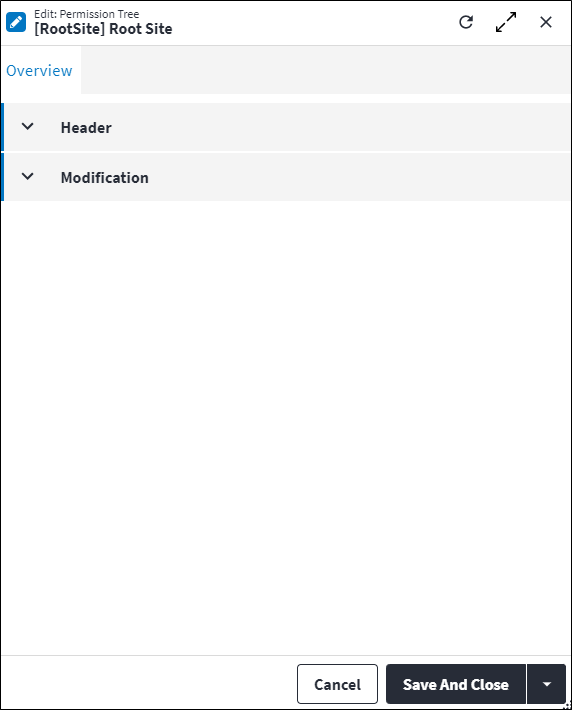
Overview
The Overview tab contains the following section(s):Header
- Code: A unique code that identifies the permission tree record.
- Description: A description of the permission tree record.
- Lookup Parent Permission Tree: The parent value on a record is applicable where a hierarchy is present. The parent permission tree is an indication of what entity in the hierarchy this child record belongs to. It also provides a means to locate or drill down to the record.
- Inherited: Indicates whether this permission tree record is inherited from the site tree.
- Inherited From Code: If this is an inherited permission tree record, then the site Code that this permission tree record is based on displays.
- Is Active: Ticked if the permission tree record is active and available in a lookup list.
Modification
Displays details of when the record was created and last updated. This section is autopopulated and requires no user input.Assist custom actions
The following custom actions are available in the Assist panel in the sidebar. Keep in mind that some of these custom actions are only available from the edit screen, while others are available from both the dashboard and edit screen.- Set Active / Set Inactive: Refer to Set Items to Active or Inactive.
- Add to Compare: Refer to Add Items for Comparison.
- Cross References: Refer to Perform Cross References.
- View Changelog: Refer to View Changelog.