Work Order Movement Screen
The Work Order Movement edit screen provides a view of the work orders that have been split or merged and the tasks that were moved as a result. These records are inserted by the system when a split or a merge is performed.
Data is captured on the following tab(s) of the edit screen: Overview and Tasks. Below is a list of descriptions for the fields in the sections on each tab.
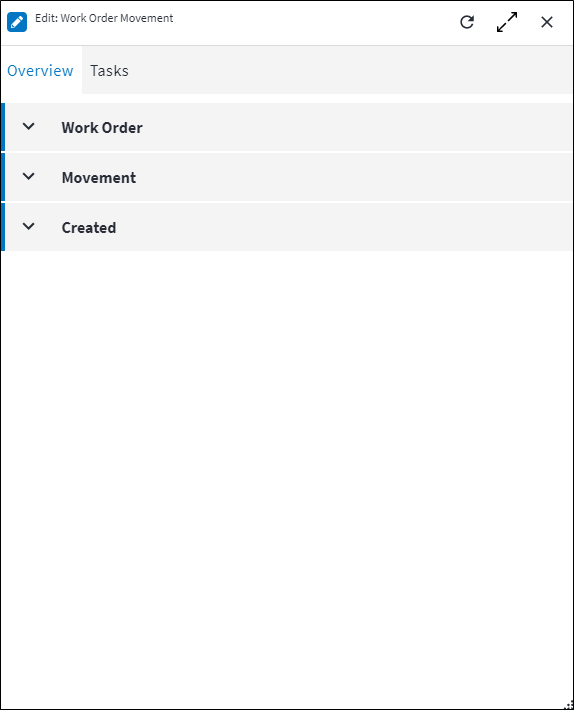
Overview
The Overview tab contains the following section(s):Work Order
- Work Order Code: When a split is performed, then this is the source work order's code. When a merge is performed, then this is the target work order's code.
Movement
- Action: The action that resulted in a task movement on this work order, which is either via a
Splitor aMerge. - Direction: Indicates whether the current work order is the source work order, ie the work order where tasks are moved from, or the target work order, ie the work order where tasks are moved to.
For split actions, this will be theTargetand for merge actions, this will be theSource.
Created
Displays details of when the record was created and by who it was initiated.
Tasks
This is a view of the work order task movements, ie the tasks that were moved between work orders during the split or the merge event.
The following information is displayed for work order task movements:
- Work Order Task Code: The work order task that was moved during the split or the merge.
- Action: The action that resulted in a task movement on this work order, which is either via a
Splitor aMerge. - Direction: Indicates whether the current work order is the source work order, ie the work order where tasks are moved from, or the target work order, ie the work order where tasks are moved to.
For split actions, this will be theTargetand for merge actions, this will be theSource. - Result: Indicates the status of the task movement.
Possible values are:Moved: If the task was moved successfully during the split or merge.Duplicate: If the task being moved from the source work order during a merge already exists on the target work order. The duplicate task will not move but will stay on the source work order.Feedback Constraint: If the task being moved from the source work order during a merge already exists on the target work order. However, on the source work order the task is marked asCompletedand contains Task Feedback Classifications, and on the target work order the same task is incomplete. The completed task with its feedback will stay on the source work order and the task without the feedback will stay on the target work order. In order to merge, mark the task on the source work order as incomplete, so that the task can be moved and the feedback is not lost.
When you open a work order task movement record, you will also see the Work Order Code, which after splitting displays the target work order's code and after merging, displays the source work order's code. Additionally, if the task that was moved has spares, resources and sub tasks, these will always move with the task.
Refer to Task Movements for more information.
Side Effects
Please note, if a work order task is deleted and it was a task that was previously moved around between work orders, then all of its work order movement and work order task movement records are deleted from the system. The related information can then be viewed from the Changelog.
Assist custom actions
The following custom actions are available in the Assist panel in the sidebar. Keep in mind that some of these custom actions are only available from the edit screen, while others are available from both the dashboard and edit screen.- Add to Compare: Refer to Add Items for Comparison.
- View Changelog: Refer to View Changelog.